


Printable NFC Tags: Match The Label Stock, Printer And Tap Test
Nov 14, 2026
Leave a message

"Printable NFC tag" describes a production requirement, not a guarantee that any blank NFC sticker will feed through any label printer. The finished item must accept the intended print, protect the embedded antenna during conversion and application, and still perform the required NFC action after it is attached to its real surface. For a purchasing or production team, the selection sequence is print method → label construction → data workflow → mounted tap test.
This guide focuses on printing and validating NFC sticker labels for packaging, promotional materials and operational identification. It does not replace a chip-family selection guide or a detailed NFC encoding specification. Those decisions belong to their own technical and commercial owners.
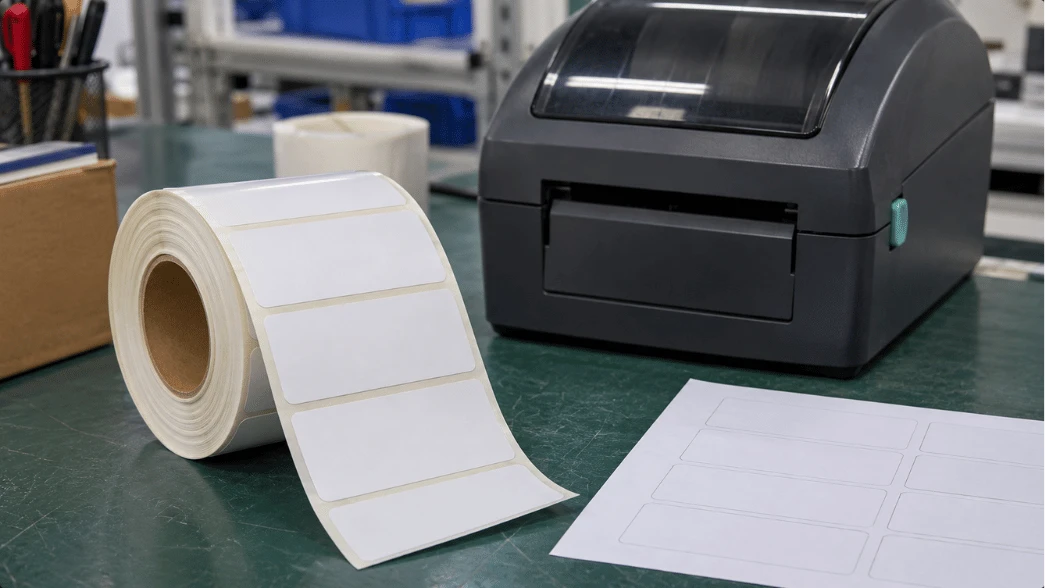
First, establish what "printable" means in your workflow
There are three distinct ways a project can obtain a printed NFC label. A converter may supply fully pre-printed labels ready for encoding or application. A customer may buy blank printable labels and add fixed or variable text in an approved label printer. Or an integrated production line may print the visible identifier and encode the NFC chip in coordinated steps.
These are not interchangeable purchasing options. A blank white NFC sticker may have a good-looking surface but an unsuitable liner, pitch or coating for the printer in your facility. Conversely, a pre-printed NFC label can be ideal for a branded campaign even when the buyer has no printer capable of handling inlays. GoToTags' printing guidance distinguishes blanks tested for particular printers from other NFC stickers whose print compatibility has not been established.
| Production route | Typical reason to choose it | Evidence to request |
|---|---|---|
| Supplier pre-prints fixed design | Brand artwork does not change by label | Physical print proof and encoded-sample agreement |
| Print blank labels locally | On-demand product, location or batch data | Exact media and printer qualification |
| Variable print plus NFC encoding | Visible ID must match an electronic record | Data correlation, readback and reject handling |
Match the facestock to the print process
The printable surface is the facestock. Paper and synthetic films can differ in ink reception, resistance to moisture, flexibility and suitability for a given print method. Do not infer outdoor durability, chemical resistance or a service life from the word "PET," "PVC" or "paper" without a product-specific test.
Direct thermal, thermal transfer and inkjet are different
Direct thermal depends on heat-sensitive material and is generally more appropriate for short-duration labels where the application's exposure conditions are understood. Thermal transfer uses a ribbon whose resin or wax/resin composition must be matched to the facestock. Inkjet may support color graphics, but the label needs an ink-receptive coating qualified for the specific printer and ink set. Offset or screen printing at a converter serves another workflow entirely. The choice should come from the required image, environment and available equipment, not from a generic statement that the label is printable.
A roll-fed label also has mechanical requirements: width, pitch, gap or black-mark sensing, liner construction, winding direction, core size and the location of the NFC inlay under the printable face. Feed quality and print registration can fail even when the NFC chip itself is functional. Provide the exact printer model and media-handling specifications when requesting samples.
The inlay is part of the media specification
Inside the label, the NFC inlay contains an antenna and integrated circuit. Die-cutting, folding, aggressive creasing or inappropriate heat and pressure near that structure can damage the assembly. Position variable text and artwork so that normal application does not require punching through or trimming the antenna. Ask for a supplier-approved drawing when your artwork includes holes, unusually narrow margins or special shapes.
Adhesive selection matters after printing. A label on paperboard, glass or plastic packaging experiences different adhesion and radio-frequency conditions from one on a foil pouch or metal shelf. Ordinary NFC stickers cannot be assumed to work on metal; that requires an appropriate design and testing on the target surface. The site's NFC sticker product category is a commercial starting point for requesting the exact constructions available, not proof that every listed sticker works in every printer.
For production, ask for the inlay position within the die-cut, application orientation and any restricted print or conversion zones. A label can be visually acceptable yet have a broken antenna caused by downstream handling. Test after the final converting, printing and application operations-not just on the bare inlay.
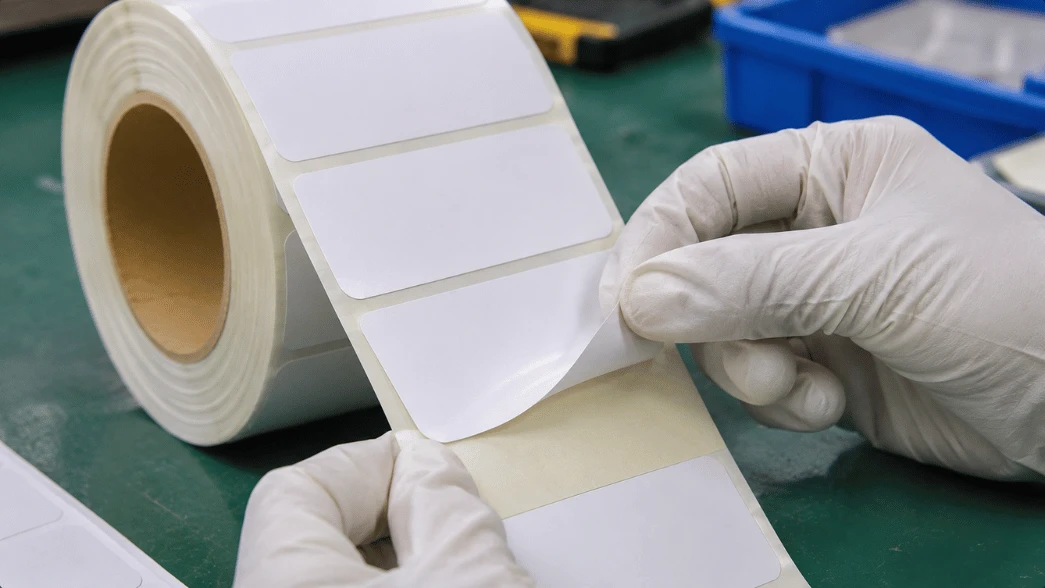
Separate print data from NFC data, then reconcile them
A printed QR code, serial number or product name is visible information. An NFC record is stored electronically and is retrieved through compatible NFC equipment. Their values may be identical, related or deliberately different. A supplier cannot infer the desired mapping from artwork alone.
For a website-opening campaign, for example, the label might print a short product code while an NFC Forum-compliant tag stores an NDEF URI record pointing to the campaign page. The NFC Forum describes NDEF as the common format for application data on compatible tags and devices. The actual chip, payload size, supported phone behavior and write/lock policy still require project-specific validation.
Create a controlled data map with fields such as print_identifier, encoded_payload, batch_reference and verification_status. These are example field names, not a prescribed file format. Make sure the process can detect a shifted print-to-chip association after a label skip, a printhead pause or a rejected inlay.
Do not confuse an RFID printer with an NFC encoder
Many industrial "RFID printers" are designed to encode UHF/RAIN labels using an integrated UHF module. A machine's support for UHF printing and encoding does not establish that it can encode HF/NFC tags. A normal color label printer may print compatible NFC stock without being able to write any chip data at all.
There are systems that coordinate NFC encoding with label printing by adding suitable NFC hardware and software; the GoToTags operation overview lists separate print, NFC encode and print-and-encode workflows. Before purchasing a production line, request proof of the specific model, print engine, NFC reader/encoder, software, chip type and variable-data integration. A successful UHF label demo is not an NFC qualification test.
Run four checks on the production-equivalent label
- Print check. Use the proposed printer and actual label roll. Inspect registration, ink or ribbon adhesion, code readability, smearing and any deformation near the inlay.
- Electronic readback. Read the NFC tag with a compatible device and compare the complete intended record with the approved payload. Distinguish a readable chip from a successful NDEF application action.
- Data correlation. Where a printed identifier must match the electronic record, compare them against the controlled mapping file after printing and after any rejected or skipped labels.
- Mounted-use test. Apply the label to the intended packaging or fixture and repeat the tap at realistic positions using the approved phone or reader set. Test representative final finishes, nearby materials and any foil or metal surfaces.
Define success by user task. For a public web tap, the correct browser destination should load on supported devices, under the project's network and privacy assumptions. For a private application, the reader and app must recognize the correct format and perform the intended business action. A generic "reads at 5 cm" marketing claim would not replace this assessment because the phone, antenna, substrate and orientation all affect the result.
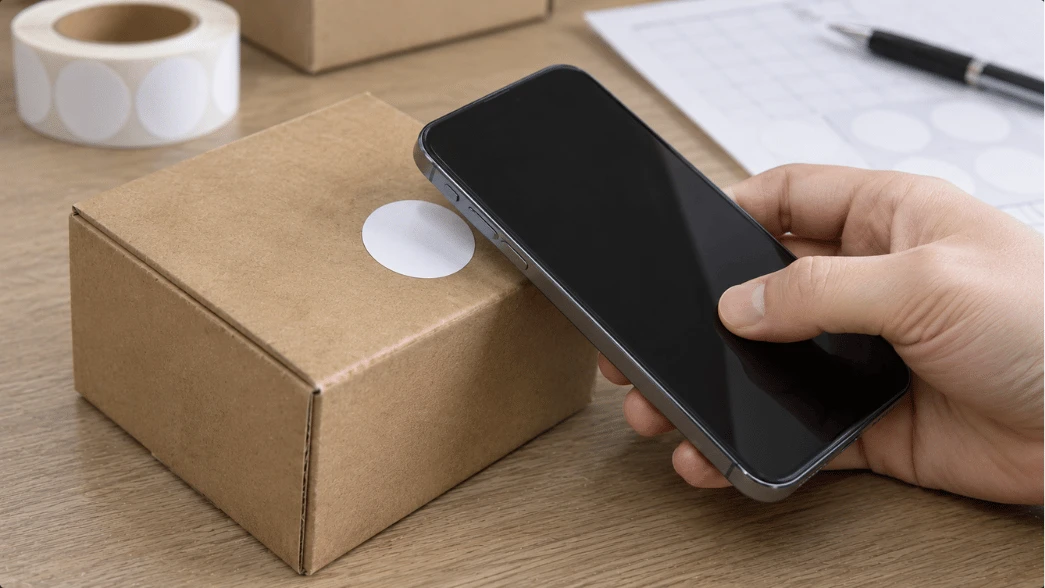
What a failed label tells you
| Problem | Possible layer | Next isolation step |
|---|---|---|
| Printer skips or misregisters labels | Gap sensing, pitch, liner, winding or printer setup | Run a short controlled feed test with approved media settings |
| Ink rubs off | Facestock/coating versus print consumable | Compare approved ribbon or ink and physical sample finish |
| Chip reads before printing but not after | Converting damage, heat, pressure or antenna strain | Read samples at successive production stages |
| Chip reads but opens the wrong page | NDEF content, mapping or landing-page control | Inspect the stored record and approved data manifest |
| Good bench tap; poor mounted tap | Surface material, metal/foil adjacency, orientation | Test the identical label applied to its intended substrate |
| Printed serial and NFC record disagree | Data synchronization or rejected-label handling | Trace each record through print, encode, verify and rework logs |
These are diagnostic hypotheses, not proof that a particular printer or tag is defective. If several variables change together, it becomes difficult to distinguish a media problem from an encoding or application problem. Keep the test sample and its production history.
Approval package for a repeatable label order
Request a print-ready proof, the specific construction and inlay drawing, a tested sample roll, a data manifest, and the agreed acceptance procedure. Your RFQ should identify the label size and shape, facestock, adhesive, liner, intended printer and ink/ribbon, required NFC payload, on-metal considerations, target mounting surface, order format and rejection-handling method.
If a project uses common NFC tags for a simple web action, the related NTAG-versus-MIFARE sticker guide can help frame the chip-family discussion. That is a separate decision from whether the finished label will print cleanly. Ask the supplier to confirm availability and test evidence for the particular printable NFC construction before promising an exact Syntek SKU, printer compatibility or production capability.
The most useful approval sample is not the prettiest unprinted sticker. It is the label after the real print, encoding, inspection and mounting process, carrying the right visible information and performing the right NFC action in the buyer's environment. Preserve that sample and its settings as a reference for subsequent orders.
Send Inquiry