



RFID Desktop Reader
Size:104*69*11mm
Frequency:125Khz
Package:1pc/box,100pcs/ctn
Product Introduction:
This kind 125khz card reader can read tk4100, em4100, t5577, em4305, etc.
It adopts USB non-drive technology, plug in and play. And the analog keyboard greatly improves the speed of entering card data.
Strong compatibility,stable performance,read first 10 dightals id number,Support multi-system operation,plug and play
No need to install driver software.
Features:
Non-drive USB mode, plug and play
A buzzer and A LED indicator light
Can custom logo you need.
Product Parameters:
|
Frequency |
125KHz (13.56MHz optional) |
|
Supporting Card |
125khz: tk4100, em4100, t5577, em4305, etc |
|
Interface |
USB |
|
Power Supply |
5V |
|
Card Reading Distance |
0~8cm(Depending on rfid tag size) |
| Operating System |
Windows 98\ XP32\XP64\2000Vista32\Vista64 |
|
Operating Temperature |
-10℃~ 50℃ |
|
Sheathing Material |
ABS |
|
Dimension |
104*69*11mm |
| Package | Single package,1pc/box |
|
Application |
Production authentication Guest registration system Top up Logistic systems Membership loyalty program |
Company Profile:
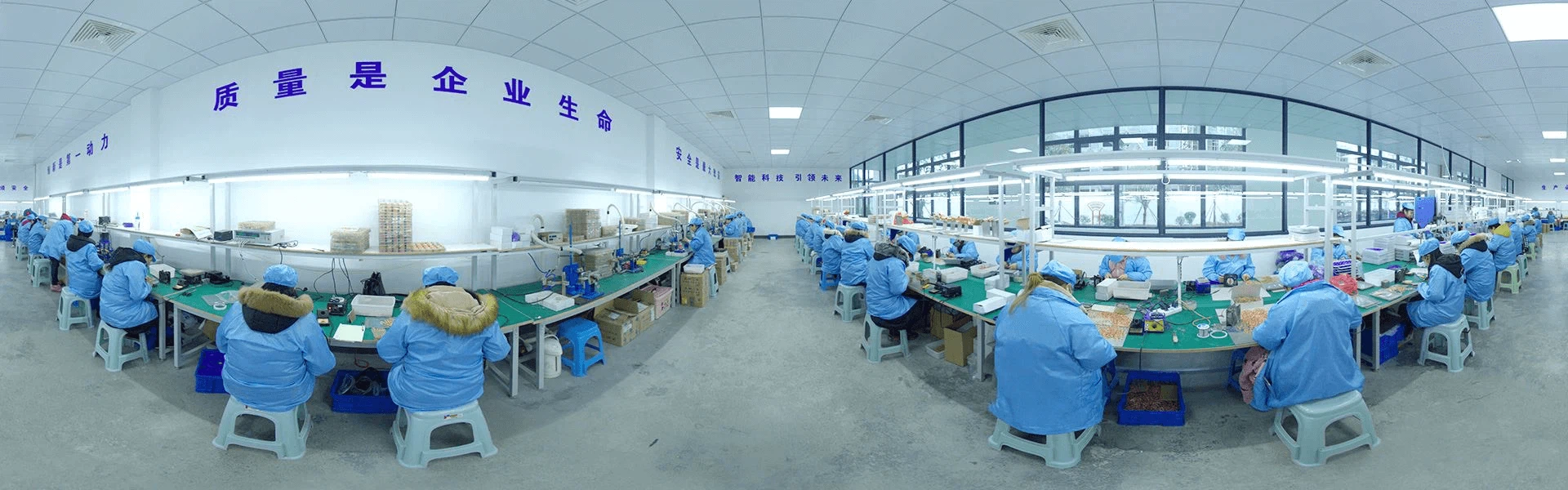
JingZhou Syntek Smart Technology Co.,Ltd established in 2006,
A high-tech enterprise specializing in the R&D, production, sales and service of various smart cards and IDIC RFID Reader. It is sold worldwide and widely used in transportation, schools, property communities, security systems, access control systems, and attendance systems.
With rich experience and customer resources, its technological leadership ranks first among domestic peers, which ensures product quality and product stability, and has won unanimous praise from new and old customers at home and abroad.

How to use ?
1.First use,After connecting the card reader to the computer, the card reader will start self-test and initialization from the sound of "beep", the card reader has entered the state of waiting for card swiping, and the indicator light is "red" at this moment.
2.Open the output software of the computer (such as: Notepad\WORD\EXCEL and other editors), put the card close to the card reader, the red light turns green and then flashes and then turns red again, the buzzer sounds once to indicate that the data is sent, that is, automatically in the The card number is displayed at the computer cursor.
3.Detect the method of connecting the card reader to the computer. The card reader enters the state of swiping the card, open the computer "device manager", check whether the human body input device appears in the option menu, if it appears, it means that the device has been successfully connected to the computer.
Hot Tags: rfid desktop reader, China, manufacturers, suppliers, factory, customized, cheap, low price, free sample, RFID White Card, 13 56mhz RFID Reader Machine, Animal Microchip RFID Reader, RFID Handheld Reader
You Might Also Like


Send Inquiry